



 sales@resultfirst.com
 +1-888-512-1890
How to Migrate a Large Enterprise Website Without Losing Organic Traffic

A website migration can be a major turning point for a business. It often happens during a redesign, rebrand, platform upgrade, or domain change. While these changes can improve performance and user experience, they can also affect search visibility. Studies show that websites can lose 20–50% of their organic traffic when migrations are not properly planned. Even a small technical error can lead to ranking drops, lost leads, and lower revenue.
Nearly half of all website migrations end in permanent traffic loss. As per a survey, 892 domain migrations found that the average site takes 523 days to recover lost rankings. Some sites never recover at all. Search engines need time and clear signals to understand a new website structure. That is why migration is not simply a technical project. It is also an SEO project. Careful planning, testing, and monitoring are essential.
This guide explains everything you need to know about website migration, including its types, risks, best practices, and the steps required for a smooth transition.
What Does Website Migration Actually Mean
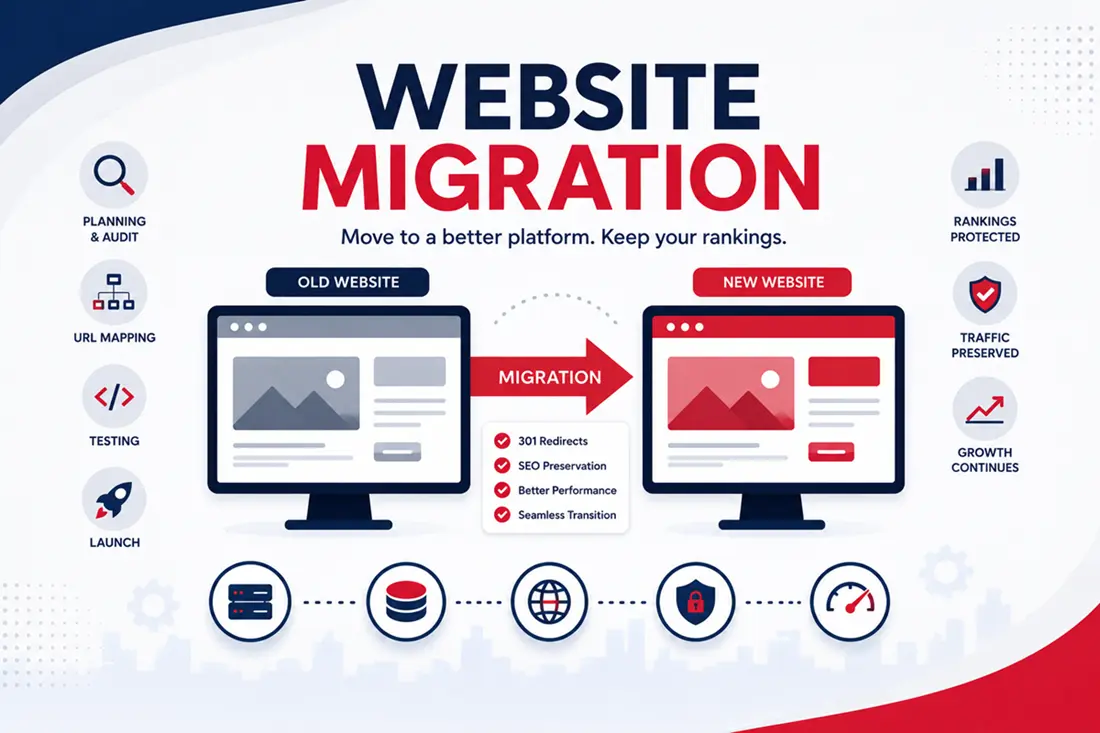
A website migration is any major change that affects how search engines see your site. It is not just moving servers. It covers far more ground than most teams expect. Migration includes domain changes, platform switches, URL structure updates, HTTPS conversions, and full redesigns. It also includes merging two websites into one. Each type carries its own risk level.
Here is a simple breakdown of common migration types and their typical risk to organic traffic.
| Migration Type | What Changes | Typical Traffic Risk |
| Domain change | Site moves to a new URL | High |
| Platform migration | CMS or hosting changes | Medium to High |
| URL structure change | Page paths get restructured | High |
| HTTPS upgrade | Protocol changes from HTTP to HTTPS | Low to Medium |
| Design refresh only | Visual layout changes, URLs stay the same | Low |
| Domain consolidation | Multiple sites merge into one | Very High |
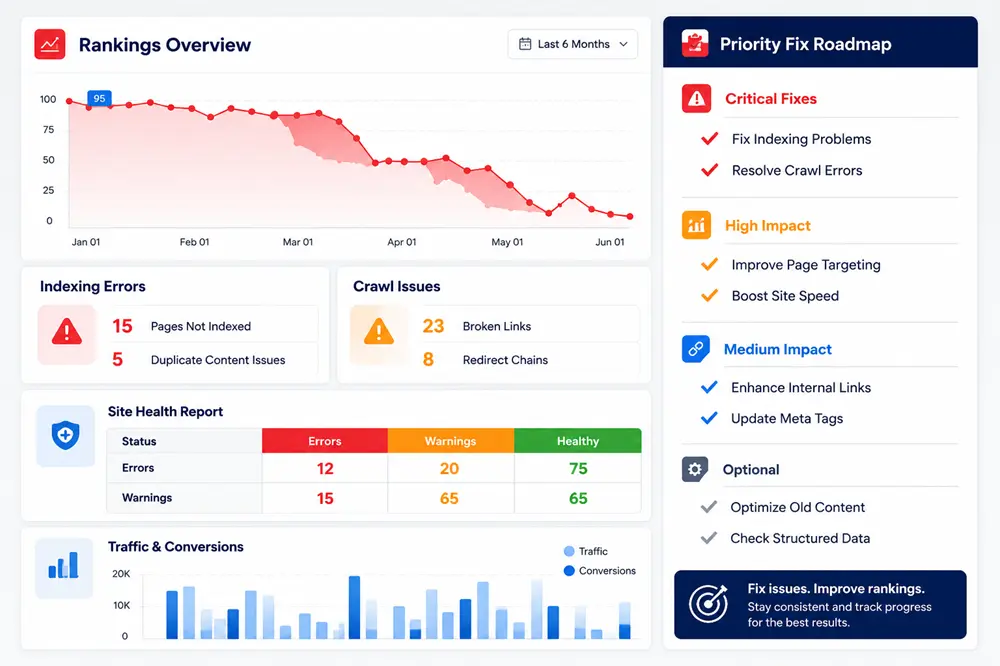
Notice how risk grows when more than one element changes at once. As per a report, A failed migration often leads to a 30–50% traffic decline, rising crawl errors, more 404 pages, and fewer indexed URLs. If performance does not improve within a month, the migration may require immediate attention.
That single fact should guide every decision you make from this point forward.
Why Search Engines Get Confused During Migration
Search engines build trust with your site over years. They learn your URLs, your content, your links, and your authority signals. A migration disrupts all of that trust at once.
Google has to recrawl every page. It has to reassess every redirect. It has to decide whether your new site deserves the same rankings as your old one. This process takes time and patience plays a bigger role than most people expect.
Why Enterprise Sites Face Bigger Migration Risks
Large websites carry more weight than small ones. They have thousands of pages, deep link structures, and complex backend systems. Every one of these elements multiplies the risk during a migration.
Enterprise sites also tend to have multiple stakeholders involved. Marketing wants a fresh look. IT wants better performance. Legal wants compliance updates. Each department pulls in a different direction, and SEO often gets pushed to the back of the line.
This pattern repeats across industries. One large retailer lost roughly five million dollars in the first month after their IT team rejected redirect recommendations during a major redesign. That single decision cost more than the entire project budget.
How to Migrate a Website Without Losing Traffic
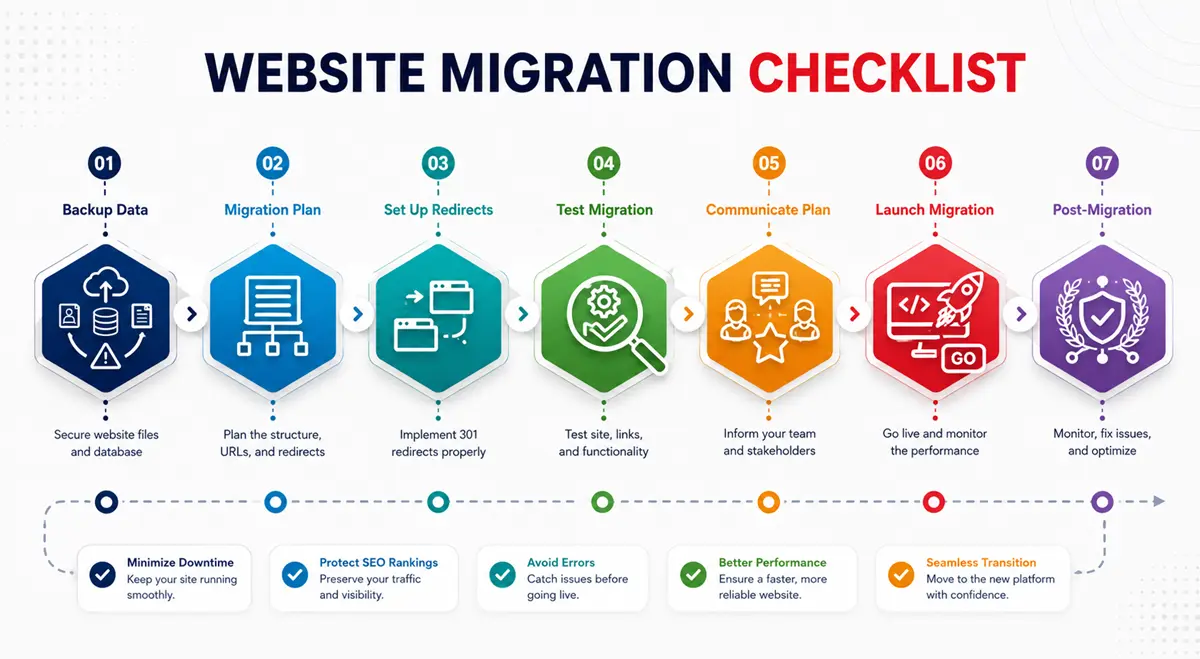
Now let’s get into the real work. Below are the steps that protect your rankings before, during, and after migration. Follow them in order. Skipping steps is where most enterprise teams go wrong.
Step 1: Build a Complete Inventory of Your Current Site
You cannot protect what you haven’t measured. Start with a full website crawl to identify all existing URLs. This gives you a full picture of what exists today.
Your inventory should include the following items:
- Every live URL on your domain
- Page titles and meta descriptions
- Header tags including all H1s and H2s
- Word count and content type for each page
- Current rankings and keyword data
- Backlink profile for every important page
- Structured data and schema markup
- Internal linking structure
- Page load speed benchmarks
This list becomes your baseline. Without it, you cannot prove the migration succeeded or diagnose what went wrong if traffic drops.
Step 2: Create a One-to-One Redirect Map
This is the single most important step in the entire process. A redirect map connects every old URL to its matching new URL. Skip this step, and you guarantee traffic loss.
Many teams make the mistake of redirecting everything to the homepage. This destroys SEO value instantly. Each page carries its own authority, and that authority must transfer to its true equivalent on the new site.
Follow these rules when building your redirect map:
- Map every single URL, not just the top pages
- Use 301 redirects for permanent moves
- Avoid redirect chains where one URL bounces through multiple steps
- Never redirect a specific page to a generic category page
- Prioritize pages with the most traffic and backlinks first
- Test every redirect before launch day
A clean redirect map preserves what SEO professionals call “link equity.” This is the ranking power that search engines assign to a page based on its links and history. Lose this equity, and you start from zero.
Protecting Content and Technical SEO During the Move
Once your redirect map is solid, turn your attention to content and technical health. This stage often gets rushed because deadlines feel tight. Slow down here. Rushing this stage causes most of the damage teams see after launch.
Keep Your Content Equivalent Across Both Sites
Content changes during migration are common, but they carry hidden risk. If your new page covers less detail than the old one, search engines may rank it lower. Compare every important page side by side before launch.
Check that target keywords still appear naturally in titles, headers, and body text. Confirm that internal links point to the correct new URLs. Verify that images carry proper alt text and that file names stay descriptive.
Preserve Structured Data and Schema Markup
Structured data helps search engines understand your content type. It also powers rich results like star ratings and product details in search listings. Losing this markup during migration can eliminate visibility overnight.
If your new site injects schema through JavaScript, search engines may not process it correctly on the first crawl. Server-rendered structured data is safer and more reliable. Confirm this works correctly during the staging phase, not after launch.
Google reports that pages with structured data are eligible for rich results, which can improve search visibility and attract more clicks from users.
What to Do in the First Weeks After Launch
Launch day is not the finish line. It’s the starting point of the most critical monitoring period. The first seventy-two hours often determine whether you keep your rankings or lose them.
Monitor Search Console and Analytics Daily
Set up real-time tracking before you go live. Watch for crawl errors, index coverage changes, and sudden ranking drops. Confirm your analytics tags fire correctly on every template, not just the homepage.
A surprising number of “traffic drops” turn out to be tracking errors instead of real SEO problems. Maybe the analytics tag didn’t transfer properly. Maybe the search console property needs re-verification. Rule out these simple issues before assuming the worst.
Pay close attention to these signals during the first month:
- Index coverage reports in Search Console
- Crawl stats and any spike in errors
- 404 pages that shouldn’t exist
- Ranking positions for your top fifty keywords
- Organic traffic compared to your pre-migration baseline
- Page speed scores on mobile and desktop
Some traffic dip is normal and expected. Drops of ten to thirty percent for two to six weeks happen even in well-executed migrations. The real warning sign is a drop that doesn’t stabilize or one that crosses fifty percent.
Fix Issues Within Hours, Not Days
Speed matters enormously here. A redirect error caught on day one is a quick fix. The same error left unnoticed for three weeks can cause lasting damage. Build a response process before launch, so your team knows exactly who fixes what and how fast.
Teams that treat the post-launch period as seriously as the launch itself see far better outcomes. One mid-market company executed a full domain and CMS migration with zero organic traffic loss. Their secret wasn’t luck. It came from meticulous pre-migration auditing, complete redirect mapping, and real-time monitoring after launch.
Common Mistakes That Destroy Migration Results
Even experienced teams fall into familiar traps. Knowing these mistakes ahead of time gives you a real advantage.
- Redirecting old pages to the homepage instead of matching content
- Launching without testing redirects in a staging environment
- Losing structured data during the platform switch
- Changing URL structure and domain and platform all at once
- Ignoring internal linking updates after the move
- Forgetting to update XML sitemaps with new URLs
- Skipping a content comparison between old and new pages
- Failing to notify search engines through Search Console
Each mistake on this list has caused real companies real financial damage. Avoiding them isn’t complicated. It just requires discipline and a clear checklist followed by everyone on the project.
Why Timing Your Migration Matters More Than People Think
Choose your launch window carefully. Migrating right before your busiest season multiplies the risk if something goes wrong. Many experienced teams migrate at least six months before peak demand, giving the site plenty of time to stabilize first.
Low traffic periods also make great migration windows. Fewer visitors means fewer people affected if something breaks temporarily. This small timing decision often gets overlooked, yet it can soften the blow significantly.
Setting Realistic Expectations for Recovery
Recovery time depends on your site size and how much non-branded traffic you rely on. Branded traffic from people already searching your company name tends to stay stable. Non-branded traffic from generic search terms takes longer to rebuild.
Well-executed migrations often see partial recovery within two to four weeks and full stabilization within two to six months. Poorly executed migrations can take twelve to eighteen months, and some sites never fully recover.
This pattern shows up across countless case studies. A retail brand maintained and even increased organic traffic by five times after relocating their entire site through careful planning. Another company merged three domains into one and saw traffic exceed expectations by over fourteen percent a full year later. The outcome always traces back to preparation.
Building Your Migration Team and Timeline
Enterprise migrations need more than one person steering the ship. SEO must be involved from day one of planning, not brought in after development decisions are already locked.
Your team should include a technical SEO lead, a developer familiar with redirects and server configuration, a content reviewer, and someone responsible for analytics setup. Assign clear ownership for each task so nothing slips through the cracks during the busy weeks before launch.
Build your timeline backward from launch day. Give yourself enough time for a full staging review, multiple rounds of redirect testing, and a content comparison pass. Rushed timelines are where most migration disasters begin.
Final Thoughts on Protecting Your Traffic
Migrating a large enterprise website doesn’t have to mean losing what you’ve built. The companies that come out ahead treat migration as a project that starts long before launch and continues well after it. They map every URL. They preserve every piece of structured data. They watch their analytics like a hawk in the first critical weeks.
The companies that lose traffic almost always skipped a step somewhere along the way. They rushed the redirect map. They ignored the staging environment. They walked away the moment the new site went live.
Plan early. Test everything twice. Watch closely after launch. Do this well, and your traffic won’t just survive the move. It can come out stronger on the other side.
Planning a website migration without expert support can put years of SEO growth at risk. ResultFirst helps businesses migrate with confidence through detailed audits, redirect planning, technical SEO checks, post-launch monitoring, and our enterprise SEO services agency expertise for large-scale websites. If you’re preparing for a migration, get in touch with ResultFirst and protect your rankings, traffic, and revenue from day one.
Sources Referenced:
- https://www.digitalapplied.com/blog/seo-site-migration-2026-zero-traffic-loss-playbook
- https://www.searchenginejournal.com/what-is-a-migration-hangover-traffic-drop-how-do-you-avoid-it/575102/
- https://developers.google.com/search/docs/appearance/structured-data/intro-structured-data
FAQs
WHAT TO READ NEXT
READY TO BUILD PREDICTABLE ORGANIC GROWTH?
We are the only TOP SEO services agency providing Real Results in a Real Performance model. We help growth hungry companies outperform their competition and achieve 300%+ growth in their digital marketing initiatives.
- San Jose, CA, 95120

- +1-888-512-1890

- sales@resultfirst.com

300K+
KEYWORDS RANKED
546M+
REVENUE GENERATED
18 Years
SOLVING COMPLEX SEO
150+
TEAM MEMBERS